
How to Register Your TachoSafe Station Device
There are two ways to register your TachoSafe Station on the TachoSafe Web portal. Choose the method that is most convenient for you.
Option 1: Registration via Registration.url
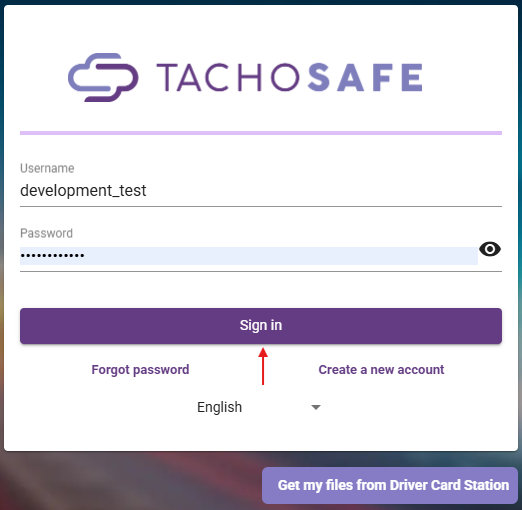
1. Sign in to your TachoSafe Web account
2. Connect the device to your computer via USB.
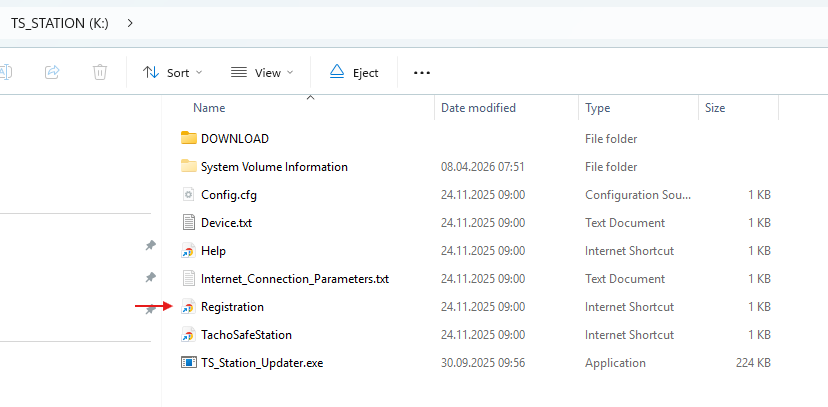
3. Open the device folder and double-click the Registration file.
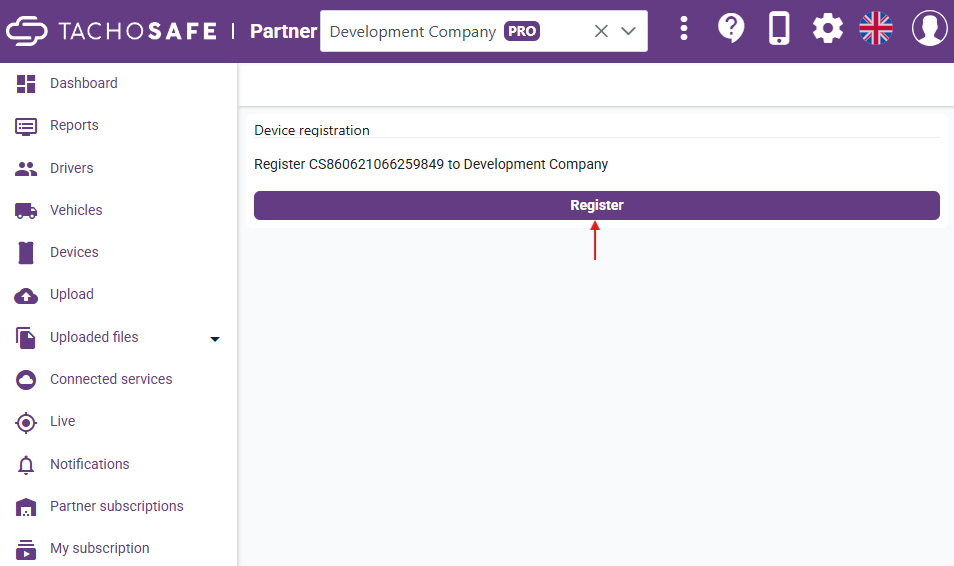
3. A browser window will open, click Register to confirm the device link.
Option 2: Registration manually
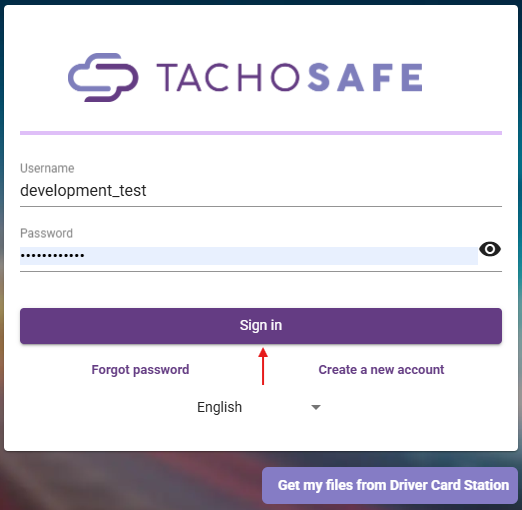
1. Sign in to your TachoSafe Web account
2. Select the Devices menu on the left sidebar and click Add TachoSafe Station device.

3. Connect the device to your computer via USB.
4. Open the device folder on your computer and double-click the Device.txt file.
5. Copy the Device ID and the PIN from the text file.
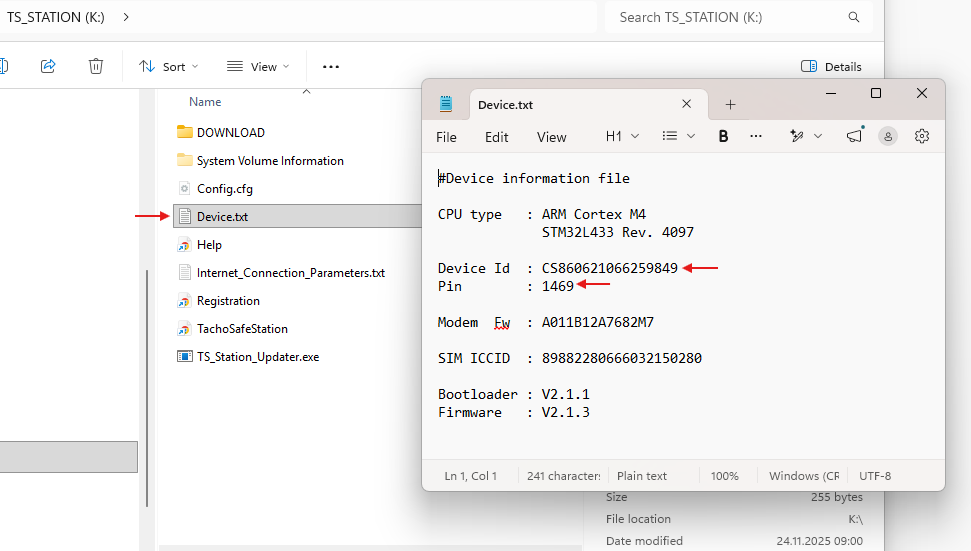
6. Paste the Device ID and PIN into the corresponding registration fields on the website.
7. Click on Add to complete the porcess.
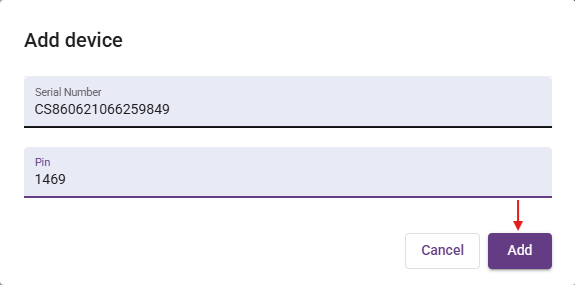
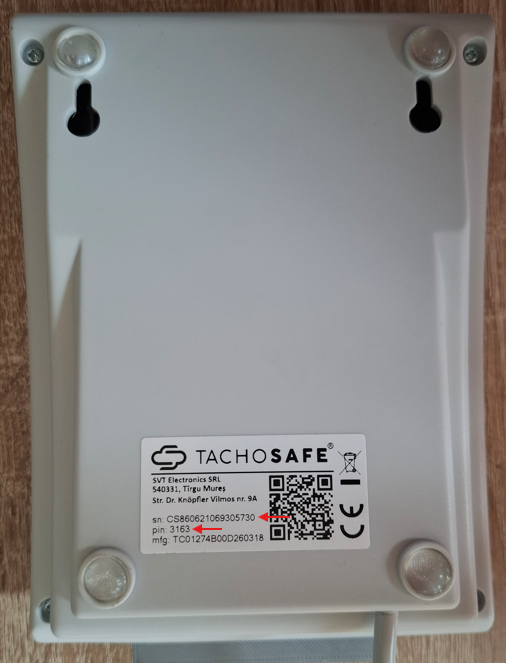
8. Alternative: If you cannot connect the device to a computer, you can find the Device ID and PIN printed on the bottom of the device. Enter these details into the fields mentioned in step 6
If you want to use the station as Remote Company Card reader then go to the How to Enable TachoSafe Station as a TCP Company Card Reader in Multi Company Manager